Quiet Screen
Reclaim Control of your
Child's Screen Time Habits.A Screen Time Enforcement App Designed by Parents, for Parents.
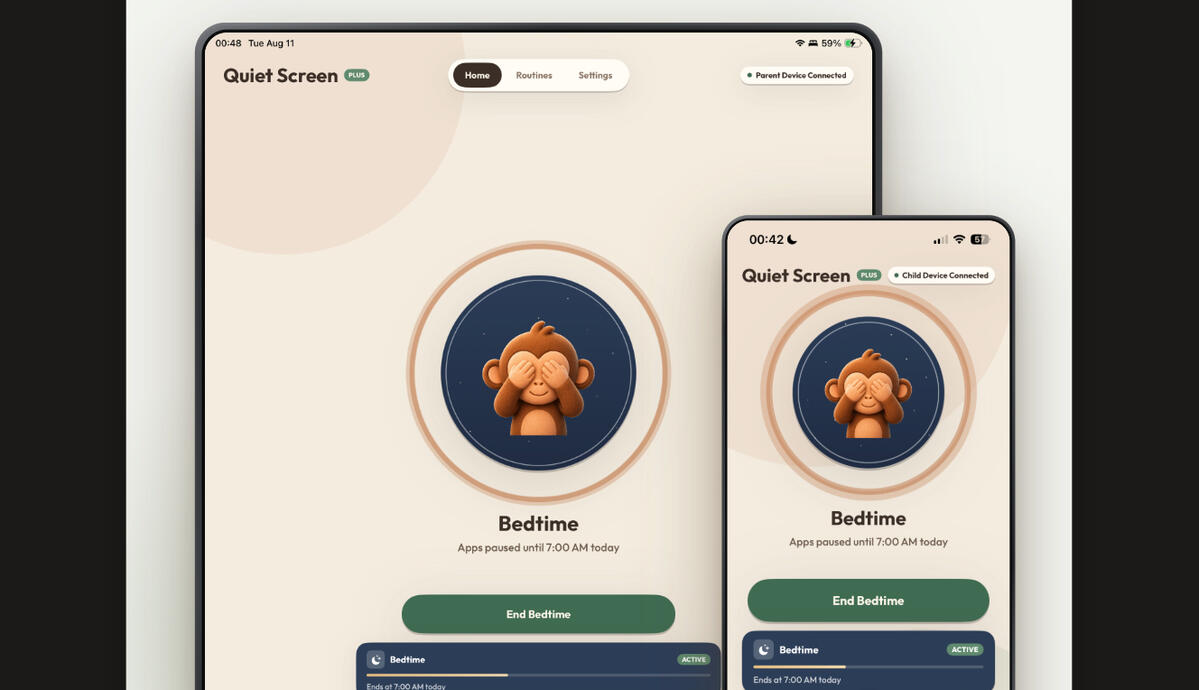
With just one tap, end screen time.
-Whenever you need it,
end screen time remotely
right from your phone.
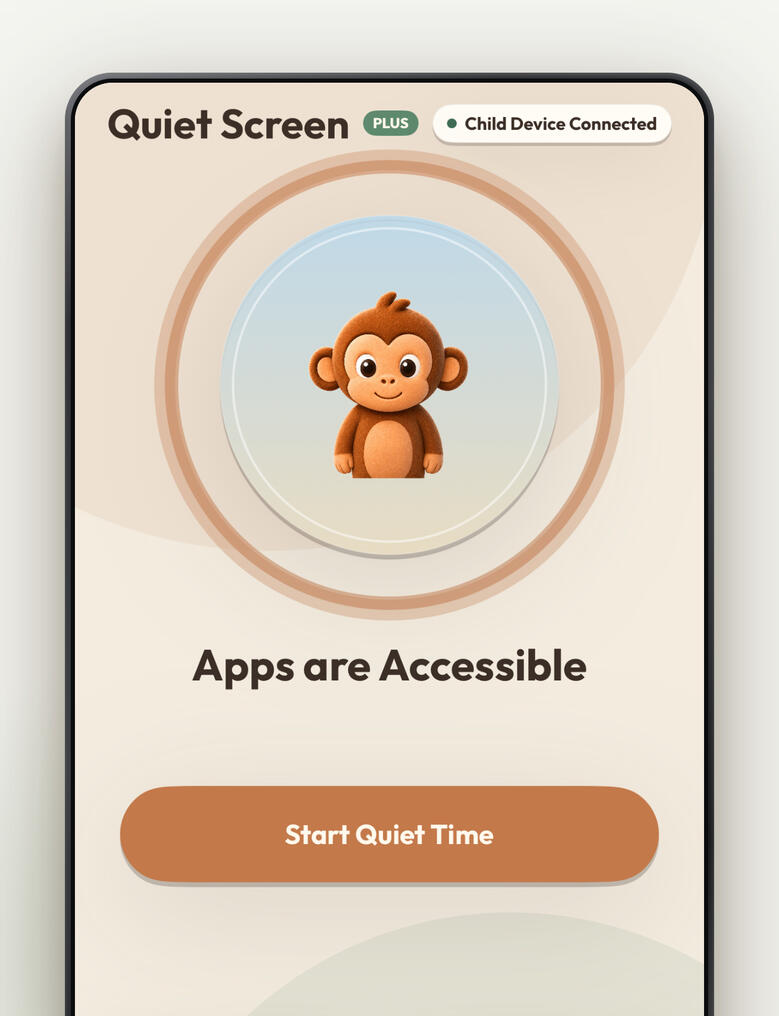
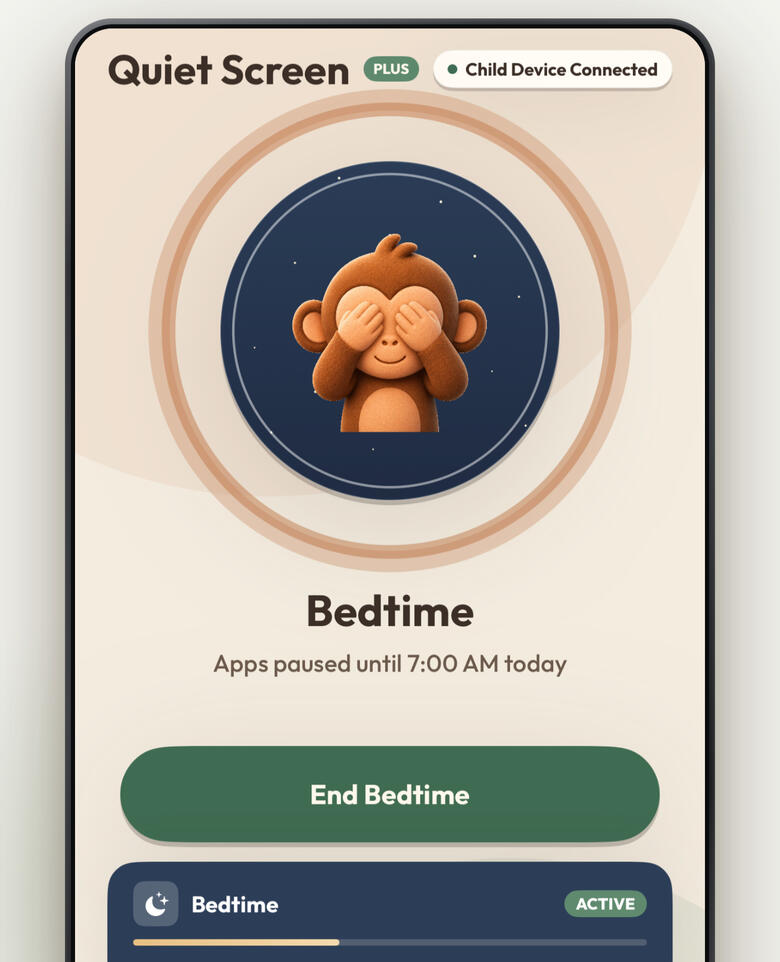
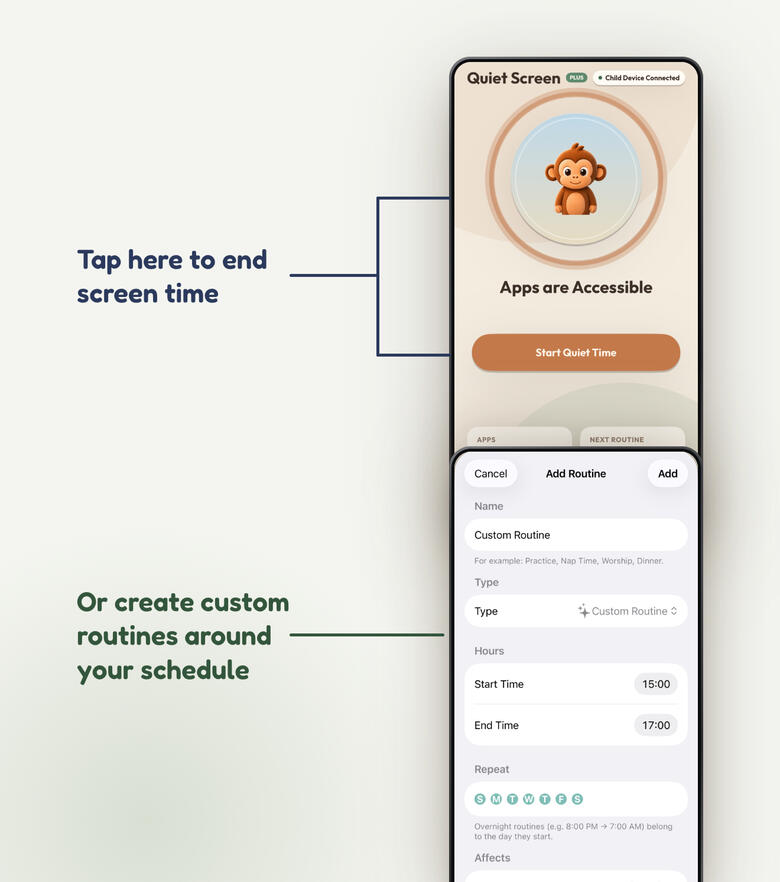
End screen time
automatically
on your schedule.
-Never forget to enforce screen time, put it on an automated schedule.-Build healthier screen time habits and avoid screen time addiction.
How? It's Simple.
1. Download Quiet Screen from the Apple App Store.2. Connect Parent and Child Devices.3. Pick the Apps you want to block on your Child's device.4. Remotely block them on-demand with one tap of your device.5. Set a routine around your schedule to automatically block them.-Android Support Coming Soon.
Build Healthy Screen Time Habits.
Avoid the struggle of screen time addiction with Quiet Screen.
Contact: [email protected]
Quiet Screen LLC 2026 © All rights reserved.
Privacy PolicyEffective date: September 6, 2026Quiet Screen ("the app") is made by Quiet Screen, LLC. Quiet Screen helps a parent manage screen time on a child's device. This policy explains what information the app handles, why, and what never leaves your devices. We keep it short because the honest answer is: we collect very little.The short versionQuiet Screen has no accounts, no ads, no advertising trackers, and we never sell or share your data with advertisers or data brokers. The app collects only the minimum operational data needed to link a parent device with a child device and carry your instructions between them. We cannot see which apps your child uses or which apps you choose to block.What the app collects and whyAnonymous identifiers. When you use Quiet Screen, our backend (Google Firebase) assigns your device an anonymous identifier. You never create an account, and we do not collect your name, email address, or phone number through the app.Pairing and family data. To link a parent device with a child device, the app stores a family identifier, device identifiers, temporary six-digit pairing codes (which expire within minutes), and the record of which parent device is authorized to manage which child device.Screen-time instructions. The app stores the instructions you create so they can travel between your devices: block/unblock commands, routine schedules (routine names, start/end times, and days of the week), and the child device's operational status (whether blocking is active, when the device last checked in, and the number of items selected for blocking).What we cannot see. The specific apps, categories, and websites you select for blocking are represented by opaque tokens that Apple's Screen Time technology keeps on the child's device. They are never transmitted to us and we have no way to read them. Likewise, your child's app usage, browsing, and screen-time activity are processed entirely on-device by Apple's frameworks and are never sent to us.Push notification tokens. The child device registers a push token so that a parent's command can wake the child device promptly. The token is used only for this delivery.Purchases. Quiet Screen Plus subscriptions are processed entirely by Apple. We never receive your payment details. We store only your family's subscription status (active or not, and its expiration date) so the app can enable Plus features on both devices.Where data lives and who processes itOperational data is stored in Google Firebase (Firestore, Firebase Authentication, and Firebase Cloud Messaging), acting as our service provider, protected by security rules that restrict each family's data to that family's own authorized devices. Apple processes all payments and all on-device Screen Time enforcement. No other third parties receive your data. We do not use third-party advertising networks and we do not sell personal information.Children's privacyQuiet Screen is operated by the parent. The child's device transmits only the operational data described above — anonymous identifiers, device status, and enforcement state. We do not knowingly collect a child's name, contacts, photos, messages, location, browsing history, or app usage, and the app has no way to do so.Retention and deletionPairing, routine, and status records persist so your setup keeps working across restarts. A parent can reset the child enrollment from the parent device at any time, and either device can clear its local data by deleting the app. To request deletion of your family's backend records, contact us at the address below and include your Family ID (shown in Settings → Advanced → Diagnostics); we will delete the associated records.ChangesIf this policy changes, we will update this page and the effective date above. Material changes will be noted in the app's release notes.Contact:Quiet Screen, LLC[email protected]